
Data Logging Instruments: Common Setup Errors and Fixes


Data logging instruments are essential for accurate monitoring across manufacturing, energy, laboratories, buildings, utilities, and environmental systems. Yet many failures begin during setup, not operation. A loose terminal, wrong sensor type, or poor software setting can distort trends, hide faults, and increase service time. This guide explains common setup errors, practical fixes, and smart checks that improve reliability when using data logging instruments in real maintenance work.
What setup mistakes affect data logging instruments most often?
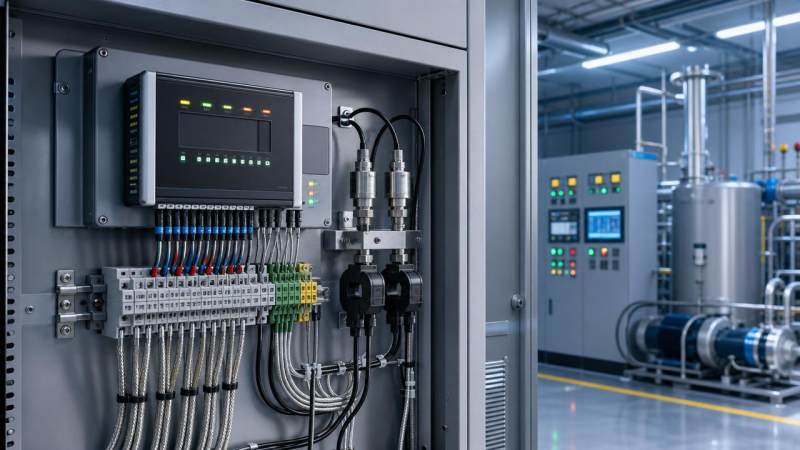
Most setup issues with data logging instruments fall into five areas: wiring, sensor configuration, sampling settings, communication, and power quality.
These errors may look minor during installation. However, they often create drifting values, missing records, alarm failures, or unstable remote access.
Typical wiring errors
Incorrect polarity is common with DC-powered transmitters, thermocouples, and pulse inputs. Reversed connections may cause no signal, negative values, or unstable channels.
Shared grounds also create noise. When several devices use the same reference improperly, data logging instruments may capture spikes that do not exist in the process.
Configuration mismatches
A logger set for a PT100 input will never read a thermocouple correctly. Range, scaling, engineering units, and input mode must match the connected signal.
Some data logging instruments also require channel-by-channel activation. A correct wire on a disabled channel still produces empty records.
Software setup problems
Time zone errors, wrong device address, and mismatched baud rates often block communication. This is especially common in industrial RS485 and Modbus networks.
File overwrite settings can erase historical records. That problem usually appears after storage fills and automatic retention rules begin working.
How do wiring and sensor errors cause inaccurate readings?
Data logging instruments depend on signal integrity. If the signal is already damaged before conversion, software cannot restore true values later.
In temperature monitoring, thermocouple extension wire must match the sensor type. Using general copper wire introduces measurement offset.
For RTD inputs, two-wire, three-wire, and four-wire methods differ. A logger configured for three-wire measurement cannot compensate correctly for a two-wire loop.
Current loops also require attention. A 4–20 mA transmitter needs the right loop power and the proper shunt or current input mode.
Sensor placement matters too. Data logging instruments may be working perfectly while the probe sits near heat sources, drafts, vibration, or electrical interference.
Practical fixes for sensor-related issues
- Verify terminal numbers against the exact wiring diagram.
- Confirm sensor type, range, and wiring method in the logger menu.
- Use shielded cable where noise sources are nearby.
- Separate signal wiring from power cables and motor lines.
- Check with a calibrated meter before replacing the logger.
This sequence prevents unnecessary part replacement and shortens diagnosis time for data logging instruments in field conditions.
Why are sampling interval and memory settings so important?
Many users focus on signal connection first and ignore recording strategy. However, poor sampling settings can make valid signals useless.
If data logging instruments sample too slowly, short events disappear. A pressure dip lasting two seconds may never enter the trend history.
If they sample too fast, memory fills quickly and communication traffic increases. This can slow downloads and shorten retention time.
How to choose a better interval
Start from process behavior. Fast-changing systems need shorter intervals than room climate monitoring or tank level logging.
Then consider storage limits. Data logging instruments with local memory should be configured around retention targets and download frequency.
Use event-based logging where supported. This reduces noise while preserving meaningful changes, alarms, and start-stop conditions.
Common memory-related mistakes
- Circular overwrite enabled without backup planning.
- Timestamp synchronization disabled.
- Too many channels logged at the same high rate.
- No alert for low storage capacity.
For critical assets, data logging instruments should combine proper intervals, regular exports, and clock synchronization to keep records defensible and complete.
How can communication errors be diagnosed faster?
Communication failures are often blamed on the logger, but the root cause may sit in addressing, port settings, network topology, or software permissions.
For serial communication, first confirm device ID, baud rate, parity, and stop bits. One mismatch can stop all data exchange.
For Ethernet-based data logging instruments, verify IP address, subnet, gateway, firewall rules, and protocol port access.
Long cable runs may need termination resistors, grounding review, or repeaters. This is common in industrial environments with inverters and heavy equipment.
A practical communication checklist
- Check whether the device powers on normally.
- Confirm physical link indicators or port activity.
- Match protocol settings on both ends.
- Test with one device before reconnecting the full network.
- Review software logs for timeout or access errors.
This method isolates faults quickly and avoids random setting changes that create new problems in data logging instruments.
What preventive checks reduce downtime after installation?
Preventive verification is often the difference between stable operation and repeated service calls. A short startup checklist saves many hours later.
After setup, compare logger values with a trusted reference. This identifies scaling errors, bad channels, and sensor drift early.
Review alarm thresholds and deadbands. Data logging instruments that alarm too often may hide real events, while weak limits may miss critical changes.
Back up the configuration file immediately. This allows quick recovery after firmware updates, replacement, or accidental reset.
Recommended post-installation checks
- Record channel mapping and tag names clearly.
- Label field wires and communication ports.
- Synchronize date and time with the host system.
- Test alarm notifications and report export functions.
- Schedule periodic inspection for terminals and storage.
These steps improve lifecycle performance for data logging instruments used in factories, substations, clean rooms, water systems, and testing stations.
Which setup errors create the highest hidden cost?
Some failures stop a system immediately. Others are more expensive because they remain unnoticed for weeks or months.
The most costly issue is false confidence. Data logging instruments may appear healthy while storing wrong, incomplete, or unsynchronized information.
This affects quality analysis, warranty tracing, compliance evidence, energy optimization, and fault reconstruction after equipment incidents.
A second hidden cost comes from repeated site visits. When no standard setup record exists, troubleshooting starts from zero every time.
How to lower lifecycle cost
Standardize commissioning documents, communication settings, sensor details, and logging intervals. Consistency makes data logging instruments easier to maintain across locations.
Use calibration and verification routines where measurement accuracy directly affects safety, process quality, or regulatory reporting.
Quick FAQ table for common data logging instruments issues
Reliable data logging instruments begin with careful setup, not only good hardware. Most problems can be prevented through correct wiring, matched sensor settings, suitable logging intervals, and disciplined communication checks.
Use a standard checklist, save configuration backups, and verify readings against trusted references after installation. These simple actions improve uptime, data quality, and service efficiency across complex instrumentation environments.
If recurring issues still appear, document the exact symptoms, timestamps, and channel conditions first. That evidence makes troubleshooting data logging instruments faster and far more accurate.
Recommended for You
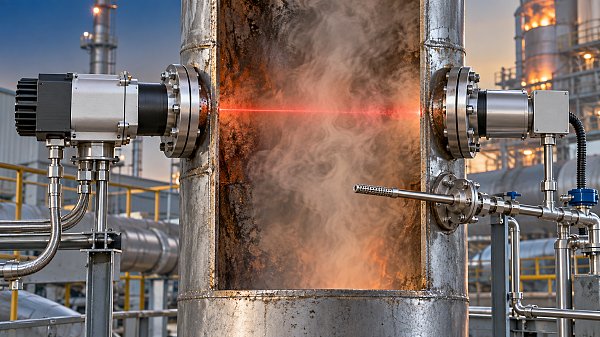
 When does a laser gas analyzer meet stack emissions monitoring needs?Laser gas analyzer for stack emissions: learn when it delivers fast, reliable data, how to assess installation risks, and what to verify for CEMS compliance.
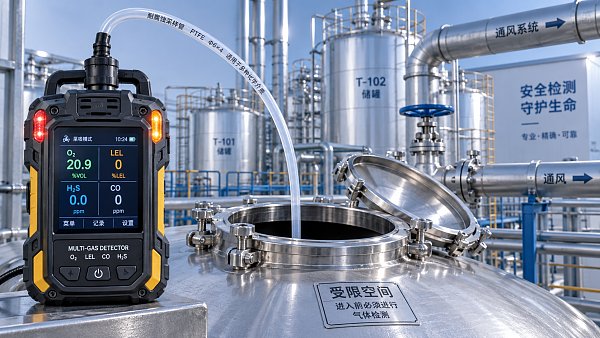
 How to select a hazardous gas analyzer for confined spacesHazardous gas analyzer selection for confined spaces: compare sensors, sampling, certifications, alarms, and maintenance to protect workers and choose with confidence.
 When is a single gas analyzer sufficient for workplace safety monitoring?Discover when a single gas analyzer delivers reliable workplace safety monitoring, and learn the key limits, calibration needs, and risks that require broader detection.
 How to choose an ambient gas analyzer for low-level leak detectionAmbient gas analyzer selection for low-level leak detection: compare sensitivity, cross-sensitivity, sampling design, alarms, and calibration for reliable site performance.
 How to tell when an oxygen sensor needs replacementOxygen sensor replacement signs explained: learn how live data, fault codes, wiring checks, and exhaust inspections pinpoint the real issue before you buy.
 How laser gas analyzers improve combustion control in steel furnacesLaser gas analyzer for steel industry applications delivers fast in-situ O₂ and CO data to optimize furnace combustion, cut fuel waste, and improve steel heating stability.
 How to verify whether explosion proof equipment meets site requirementsExplosion proof equipment verification made practical: match zones, gas or dust groups, temperature classes, certificates, and installation conditions for confident compliance.
 How industrial gas analysis helps detect contamination before releaseIndustrial Gas Analysis helps detect moisture, oil, oxygen, and toxic contaminants before release—protecting processes, ensuring compliance, and reducing costly risks.
 When is electrochemistry detection the right choice for water analysis?Electrochemistry detection for water analysis: learn when fast, reliable monitoring of ions, chlorine, pH, and more delivers actionable results.
 How industrial standards reduce quality risks in supplier selectionIndustrial Standard guidance helps quality and safety managers reduce supplier risks, verify compliance, strengthen traceability, and build resilient instrumentation supply chains.
 When does a multi-component system reduce installation complexity?Multi component systems reduce installation complexity when they eliminate field interfaces, streamline commissioning, and provide proven compatibility. Learn how to assess total cost and supplier accountability.
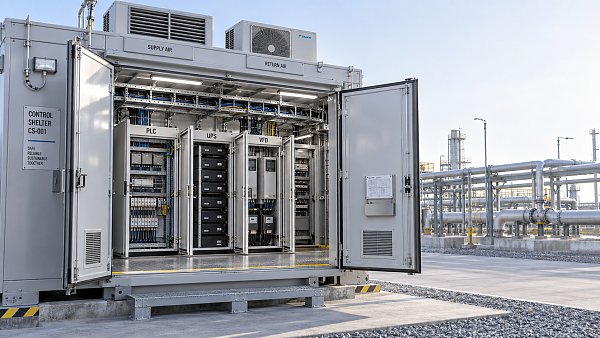
 How to size an industrial control shelter for outdoor equipmentIndustrial control shelter sizing guide: optimize layout, HVAC, access, safety, and expansion space for reliable outdoor equipment operations.
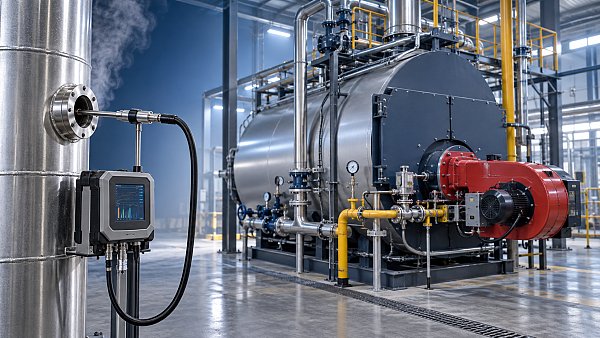
 How flue analysis helps verify combustion efficiencyFlue analysis verifies combustion efficiency by assessing O2, CO, CO2, and stack temperature to identify excess air, incomplete combustion, and heat losses.
 How to select industrial gas detectors for confined spacesIndustrial gas detectors for confined spaces: learn how to match sensors, sampling methods, alarms, and certifications to real atmospheric hazards.
 When does a laser oxygen analyzer outperform zirconia sensors?Laser oxygen analyzer vs. zirconia sensors: compare speed, selectivity, maintenance, gas chemistry, and installation needs to choose the right oxygen measurement solution.
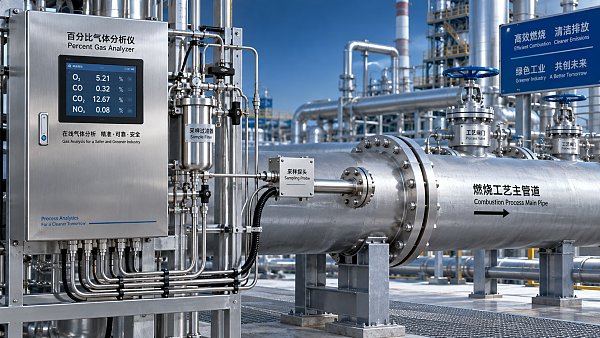
 How to select a percent range analyzer for process measurementsPercent range analyzer selection made practical: compare accuracy, sample systems, calibration, gas matrix, integration, and lifecycle cost for reliable process measurements.
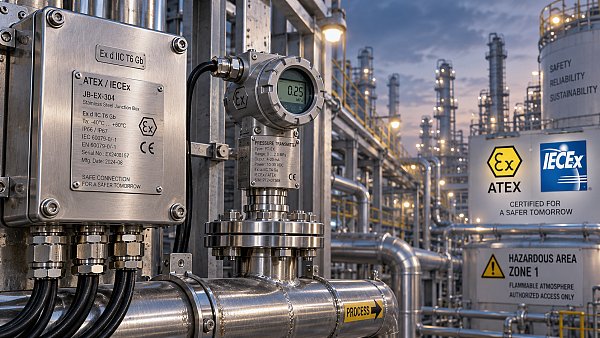
 How explosion proof analysis verifies safe equipment for hazardous areasExplosion proof analysis verifies hazardous-area equipment by matching certifications, temperature ratings, installation details, and inspection controls for safer compliance.
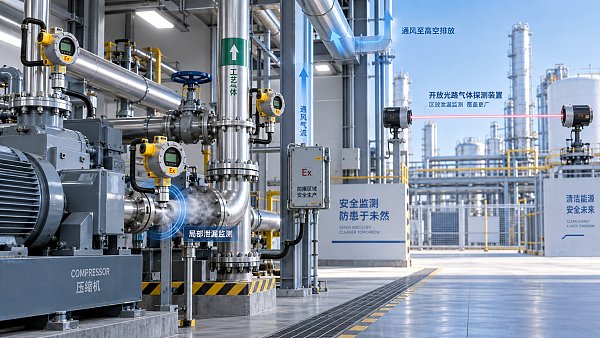
 When does fixed gas detection need point sensors instead of open-path monitoring?Fixed gas detection: discover when point sensors outperform open-path monitoring for predictable leaks, enclosed zones, local alarms, and safer design decisions.
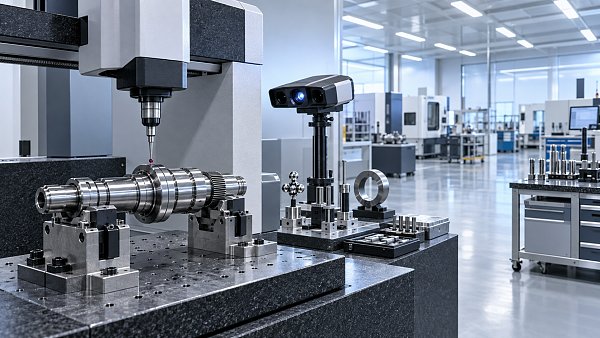
 How to choose industrial metrology systems for tight-tolerance partsIndustrial metrology guide for tight-tolerance parts: compare CMMs, optical scanners, gauges, uncertainty, workflow, and traceable inspection strategies.
 How process metrology reduces measurement variation in productionProcess metrology reduces production measurement variation by improving traceability, uncertainty control, calibration, and reliable quality decisions.
 How to select an industrial monitoring analyzer for harsh environmentsIndustrial monitoring analyzer selection for harsh environments: evaluate sampling, durability, hazardous-area compliance, accuracy, maintenance, and data reliability.
 How calibration intervals affect test and measurement equipment accuracyTest and measurement equipment calibration intervals directly affect accuracy, risk, compliance, and uptime. Learn how to set evidence-based schedules that protect critical decisions.
 When does process gas monitoring need continuous measurement?Process gas monitoring needs continuous measurement when rapid changes threaten safety, quality, compliance, or uptime. Learn how to specify reliable, actionable monitoring systems.
 How to prevent false alarms in power plant instrumentationPower plant instrumentation guide: prevent false alarms with reliable signal checks, smarter alarm settings, mode-based control, and actionable operator responses.
 How fixed gas detectors help prevent leaks in enclosed workspacesFixed gas detectors provide continuous leak monitoring in enclosed workspaces, enabling faster alarms, safer responses, and stronger protection for people and processes.
 How industrial gas analysis helps detect process contamination earlyIndustrial Gas Analysis helps detect oxygen, moisture, and hydrocarbon contamination early, enabling faster fault isolation, safer operations, and stronger process control.
 What drives environmental compliance continuous monitoring setup cost?Environmental compliance continuous monitoring setup cost: uncover hidden expenses, compare bids accurately, and build a reliable, audit-ready system.
 How to select gas analysis equipment for continuous emissions monitoringGas analysis equipment selection guide for reliable continuous emissions monitoring—compare technologies, sampling, calibration, compliance, and maintenance needs.
 What detection limit is needed for NH3 environmental monitoring?High accuracy NH3 analyzer for environmental monitoring: learn how to set the right detection limit, improve sampling reliability, and make defensible decisions.
 How to select a NOX analyzer for power plant emissions complianceNOX analyzer for power plant emissions: learn how to select a compliant, reliable CEMS solution with the right range, sample handling, calibration, and data integrity.
 How to evaluate a laser gas analyzer manufacturer in GermanyLaser gas analyzer manufacturer in Germany: compare accuracy, sample handling, interference control, calibration, and service to select a reliable solution.
 How does a flue gas analyzer maintain accuracy in wet stack gas?Flue gas analyzer accuracy in wet stack gas depends on heated sampling, moisture correction, reliable sensors, and calibration. Explore key selection tips.


Search Categories
Search Categories
- Smart Meters & Power Quality
- Transformer Gas Analyzers
- BESS Thermal Runaway Detectors
- Energy, Power & Smart Grid Monitoring
- Optical Profilers & CMM
- Ultrasonic & X-Ray NDT
- Calibration Standards
- Precision Metrology & NDT
- Water Quality Analyzers
- CEMS & VOCs Monitors
- Price Trends
- Import & Export Updates
- Market Trends
- Industry News
- Industry Insights
Latest Article
- When does a laser gas analyzer meet stack emissions monitoring needs?Laser gas analyzer for stack emissions: learn when it delivers fast, reliable data, how to assess installation risks, and what to verify for CEMS compliance.Posted by:
- How to select a hazardous gas analyzer for confined spacesHazardous gas analyzer selection for confined spaces: compare sensors, sampling, certifications, alarms, and maintenance to protect workers and choose with confidence.Posted by:
- When is a single gas analyzer sufficient for workplace safety monitoring?Discover when a single gas analyzer delivers reliable workplace safety monitoring, and learn the key limits, calibration needs, and risks that require broader detection.Posted by:
Please give us a message
